How Much RAM Do I Actually Need in a Laptop?
Order 16GB of RAM for most laptop purchases in 2026: nearly every thin-and-light laptop now ships its RAM soldered and non-upgradeable, 8GB configurations tend to feel tight within a year or two of tab-heavy use, and 32GB matters mainly for heavy multitasking, large spreadsheets, and video editing.
The soldered-RAM shift is what changed the answer — you are no longer choosing what to install today, you are choosing what the machine will have forever.
The fact that changes the question
Most thin-and-light laptops in 2026 ship with soldered (non-upgradeable) RAM, including nearly every MacBook, most Ultrabook-class Windows machines, and the majority of Chromebooks. SODIMM (swappable) RAM survives mainly in bulkier business and gaming laptops. Soldered RAM is not automatically a dealbreaker — LPDDR5/LPDDR5x offers real power and bandwidth advantages over SODIMM DDR5 — but it means the RAM you order is the RAM you own for the machine's life. Always check a specific model's spec sheet for "soldered" vs "user-replaceable" before assuming an upgrade path exists.
The bands, by use
- 8GB — browser-only use. The practical ceiling on most Chromebooks, and workable there because the whole system is browser-based. On Windows or macOS machines you plan to keep for years, 8GB configurations feel tight within a year or two — and soldered means no fix later.
- 16GB — the default order. The standard configuration across our student and productivity shortlists, and the sensible floor on any soldered machine you want to stay comfortable for its whole service life.
- 32GB+ — work-class loads. Heavy multitasking, large spreadsheets, and video editing. This is why 16-32GB is the configuration range across our work shortlist rather than a luxury tier.
If upgradeability is the point
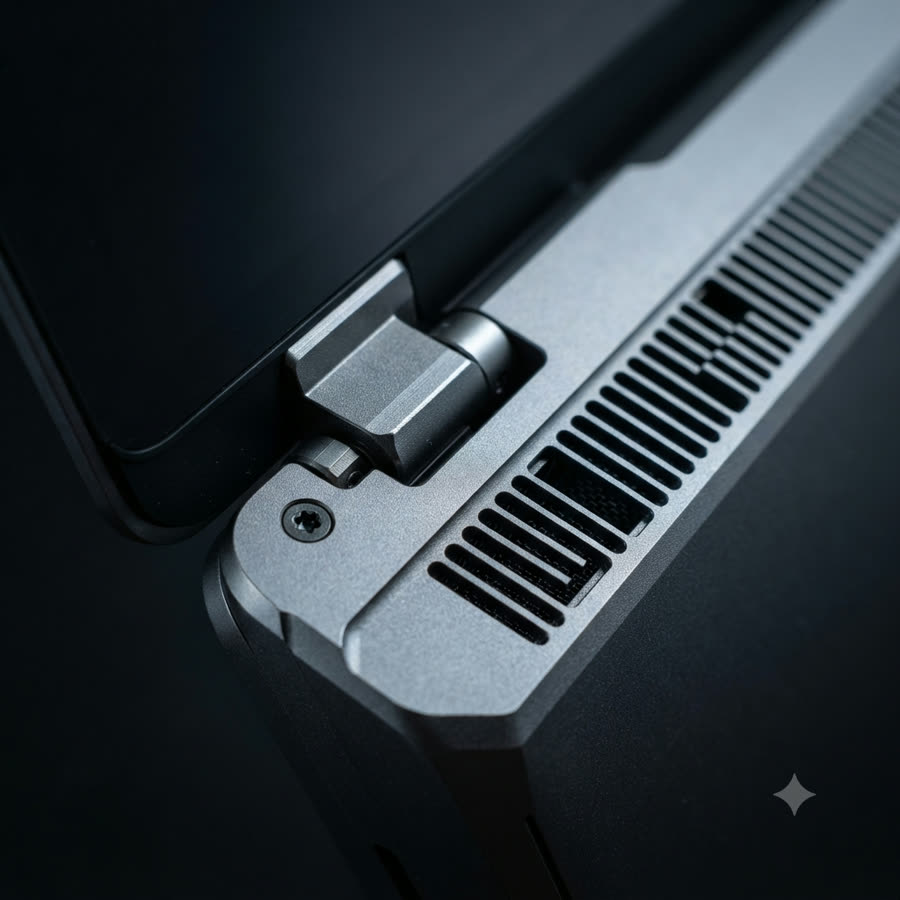
A minority of machines still offer a real upgrade path. On our work shortlist, many Lenovo ThinkPad T14 Gen 5 configurations keep a user-accessible RAM slot and dual storage bays — unusual at that thickness — and on the budget shortlist, select Acer Aspire 3 SKUs still take SODIMM sticks. In both cases the upgradeability is SKU-specific: verify the exact model number's spec sheet, not the product title.
Frequently Asked Questions
16GB is the right order for most laptop buyers in 2026. Nearly every thin-and-light laptop now ships with soldered, non-upgradeable RAM, so the amount you order is the amount you own for the machine's life — and 8GB configurations tend to feel tight within a year or two of browser-tab-heavy use, video calls, and office multitasking. 8GB remains workable for purely browser-based use (it is the practical ceiling on most Chromebooks), while 32GB and up belongs to heavy multitasking, large spreadsheets, and video editing — the territory of work-class machines.
Usually not anymore. Most thin-and-light laptops in 2026 ship with soldered (non-upgradeable) RAM, including nearly every MacBook, most Ultrabook-class Windows machines, and the majority of Chromebooks. SODIMM (swappable) RAM survives mainly in bulkier business and gaming laptops — for example, many Lenovo ThinkPad T14 configurations still offer a user-accessible RAM slot. Always check a specific model's spec sheet for "soldered" vs "user-replaceable" before assuming an upgrade path exists.
Not in performance terms — soldered LPDDR5/LPDDR5x offers real power and bandwidth advantages over SODIMM DDR5. The cost is flexibility: the RAM you order is permanent. That flips the buying logic — instead of "upgrade later if it feels slow," you should order the capacity you expect to need for the machine's whole service life.
Only for genuinely light use. If your workload is entirely browser-based — the Chromebook scenario, where 8GB is the practical ceiling on most models — it works. But on Windows and macOS machines you plan to keep for years, 8GB configurations feel tight within a year or two, and because the RAM is usually soldered there is no fixing it later. Budget-band laptops that ship 8GB are the main reason cheap laptops age fast.
Buyers doing sustained heavy multitasking, large spreadsheets, or video editing — which is why 16-32GB configurations are the standard range across our work/productivity shortlist (ThinkPad T14, MacBook Pro 14-inch, Dell XPS 14, ZenBook 14 OLED) rather than the student or budget classes. If your work resembles those loads, order 32GB up front; on soldered machines there is no second chance.